Hi openDesktop Team,
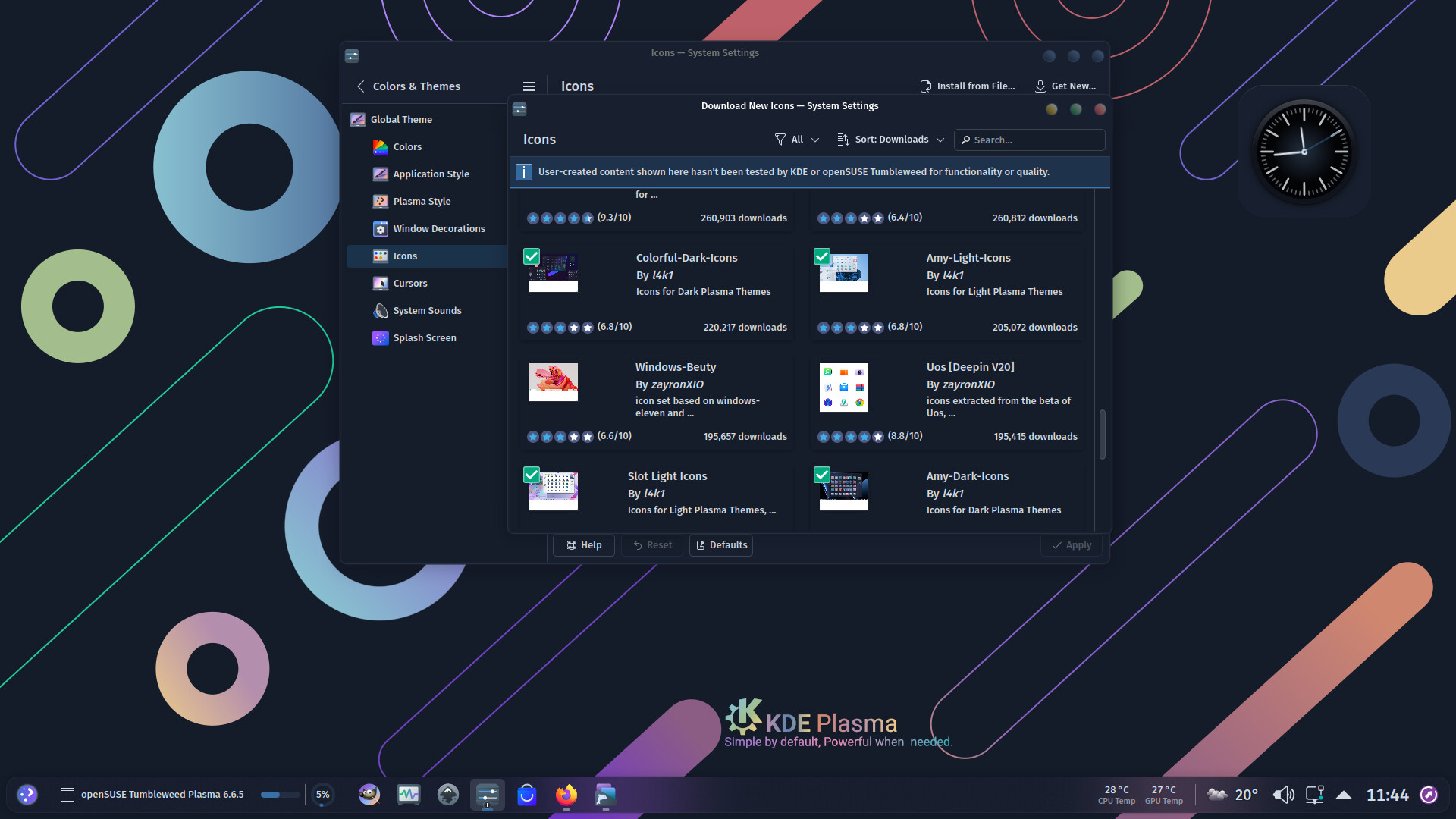
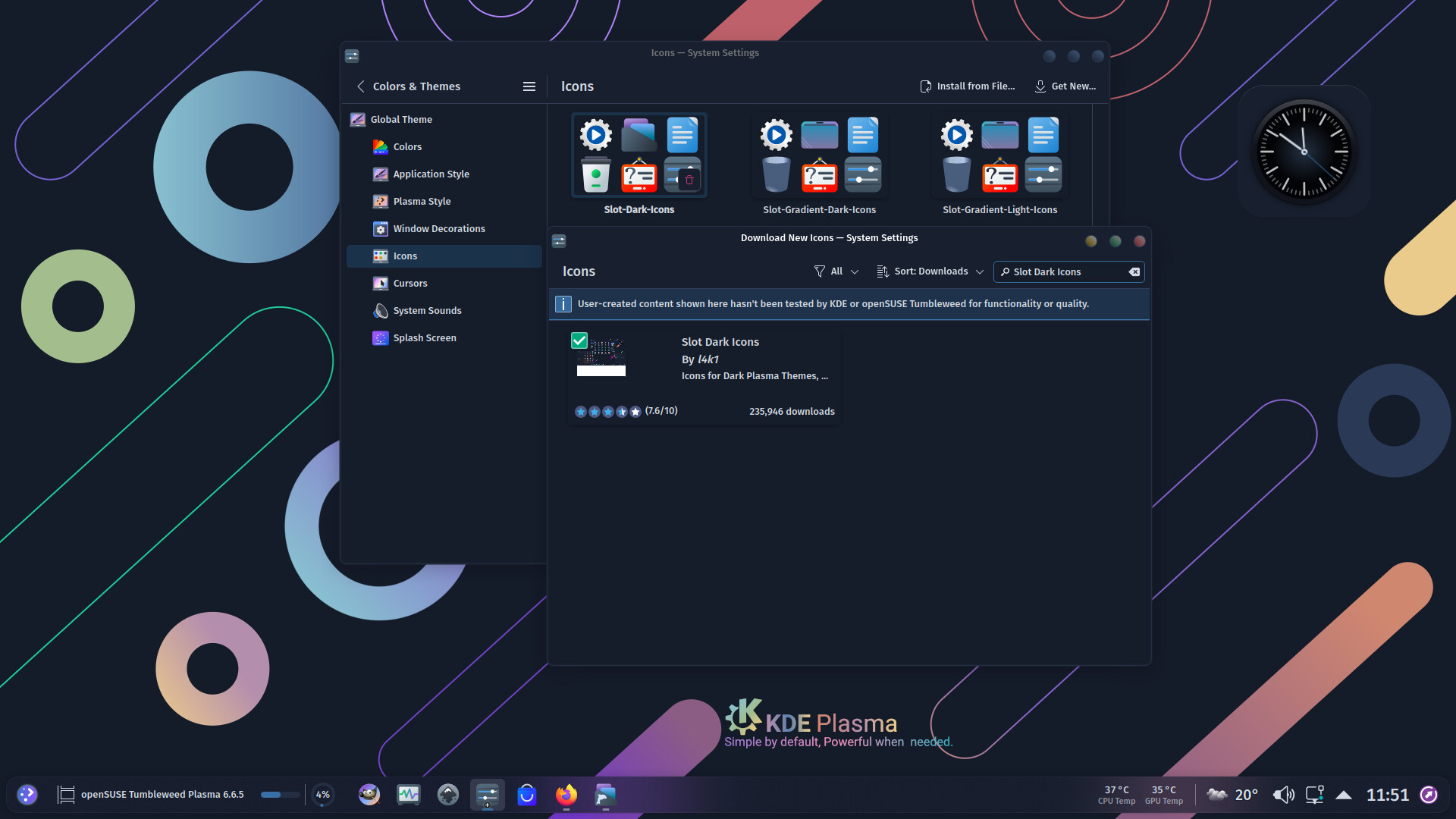
When you want to download “Slot Dark Icons” in System Settings, the following problem occurs:
With a simple search (complete search, from start to finish), without entering the name Icons Theme, the icons “Slot Dark Icons” simply do not exist, they are not there (although they have over 230,000 downloads).
But when you type Slot Dark Icons into the search, they appear, which is good because they do exist.
However, the problem is that the user “must” know the name of the Icons Theme in order to download them.
The same thing happens with Plasma Theme “Slot Dark Plasma”, Global Theme “Slot Dark Global 6”.
I have the same problem with several other Themes…(“Vivid-Glassy-Dark-Icons”, Vivid-Dark-Icons", “Infinity-Dark-Icons”, “Slot-Symbolic-Dark-Icons”, “Slot Nord Dark Colorize Icons”, “Magna-Light-Icons”, “Magna-Glassy-Light-Icons”…)
Thanks in advance,