Im using PurPurNight theme by @l4k1 with Slot Dark icons under KDE Plasma 6. When zooming out in Dolphin the icons change from normal to symbolic when using smaller icons than 48px. This is in main view, not sidebar. I would love to use 32px icons in Dolphins details view without them changing to symbolic. Where do I change this?
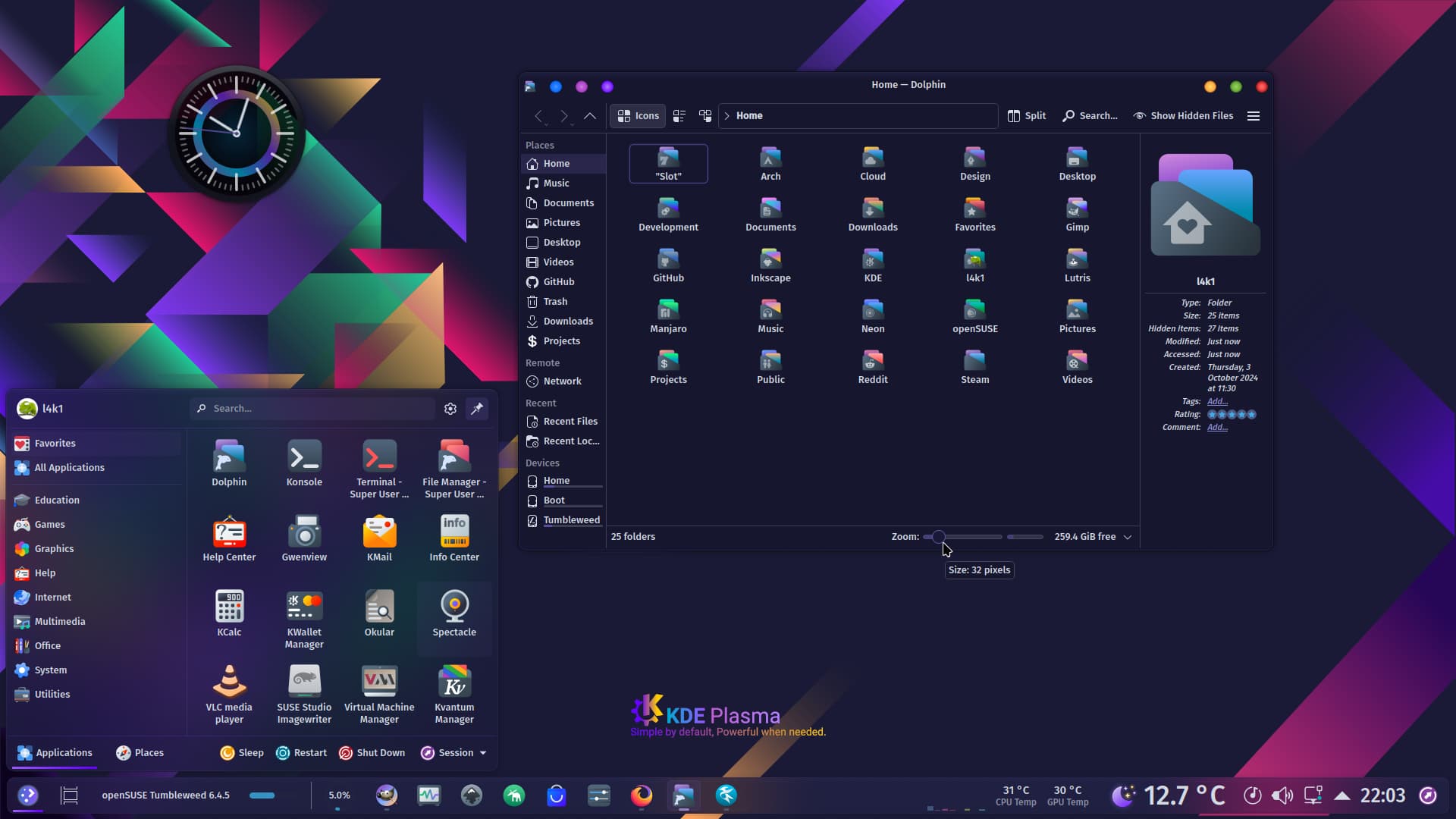
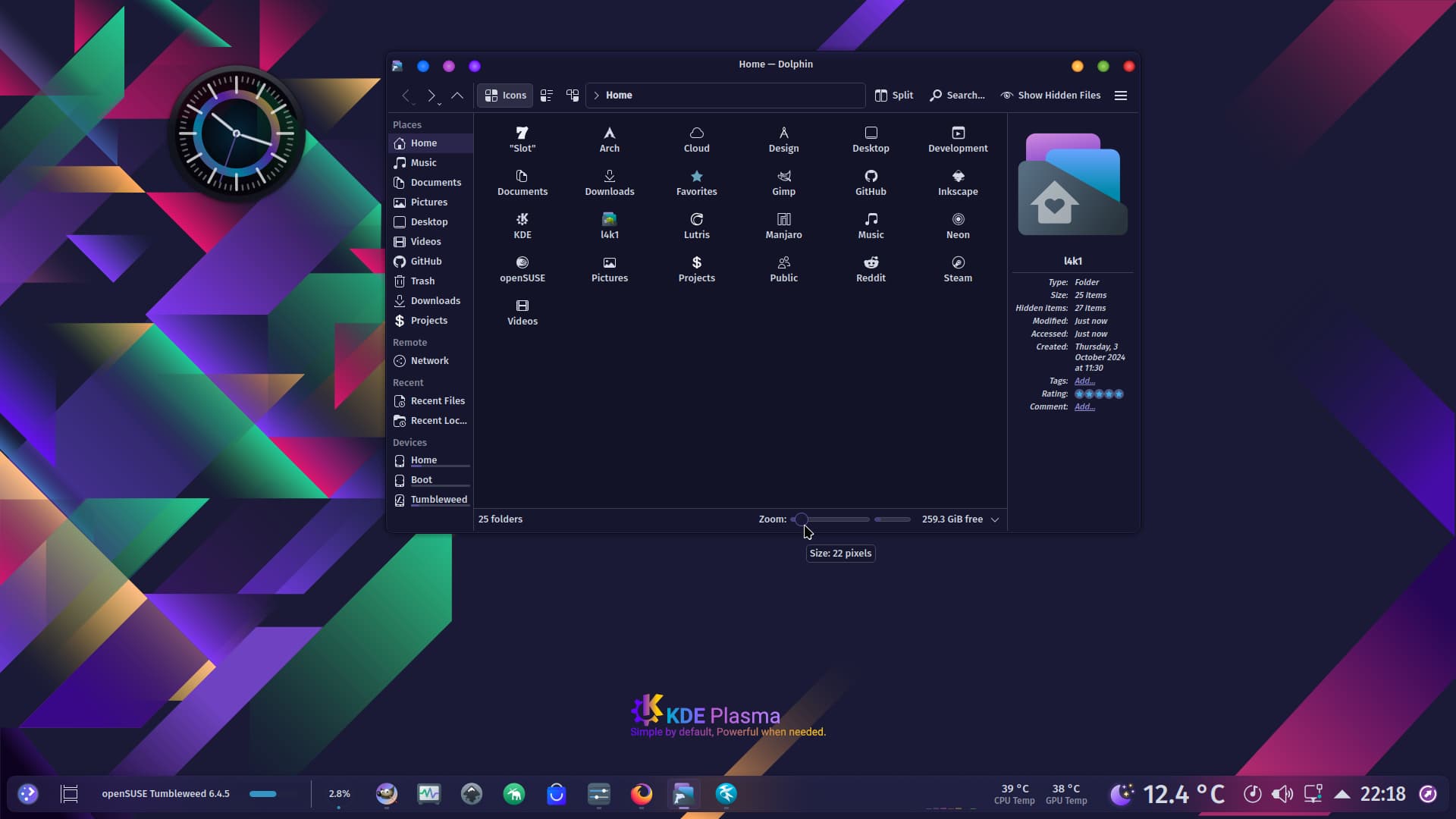
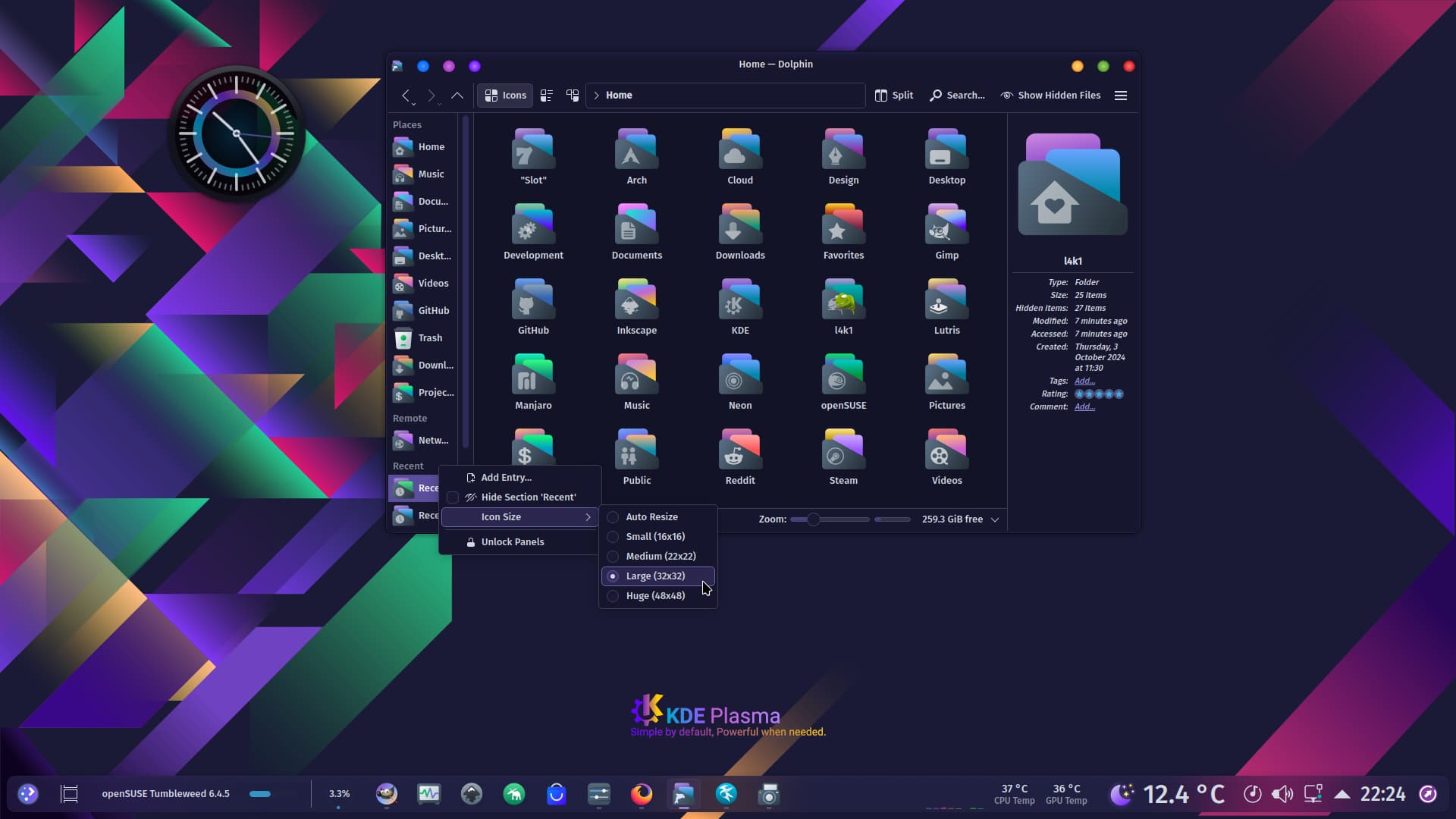
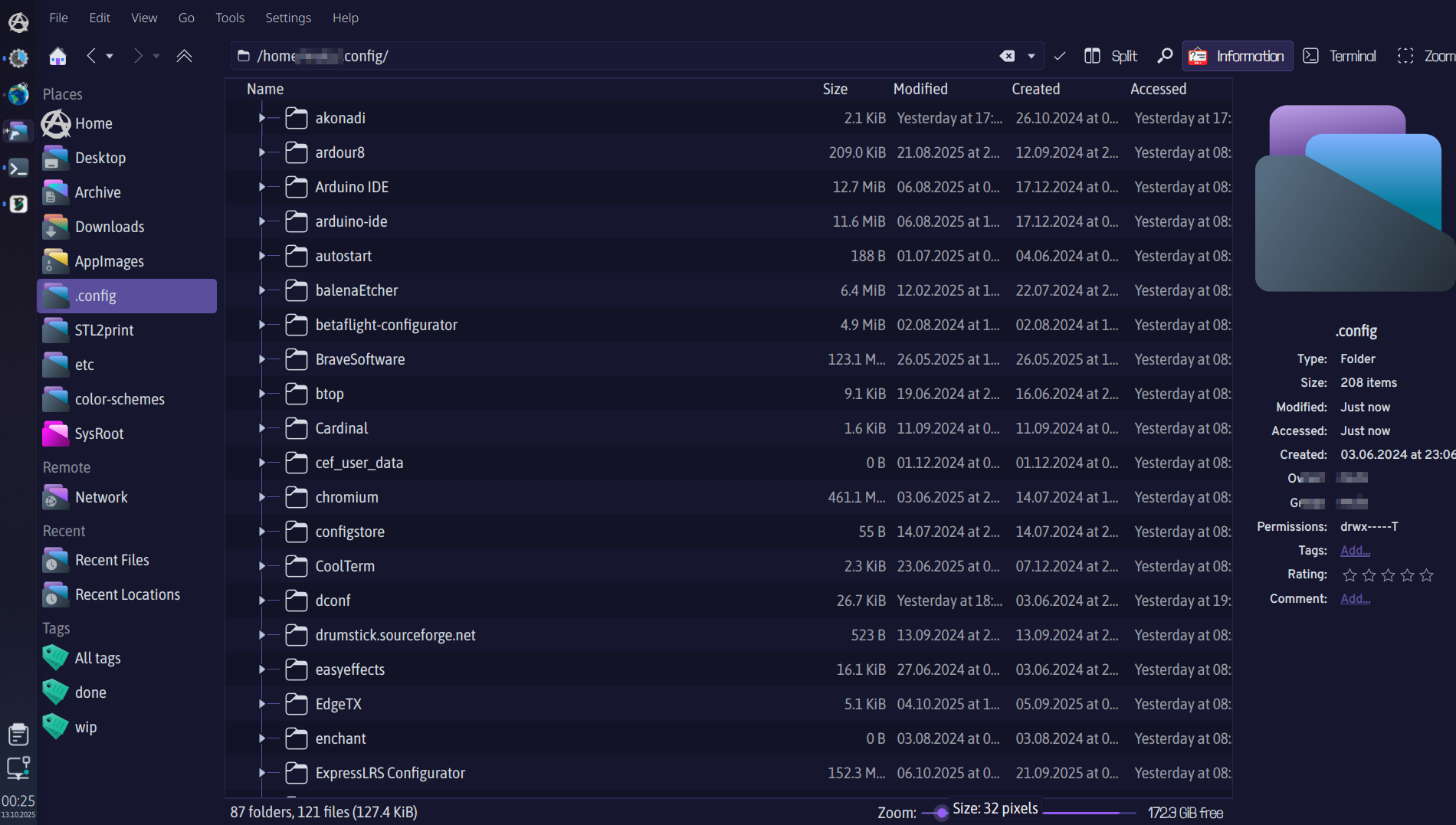
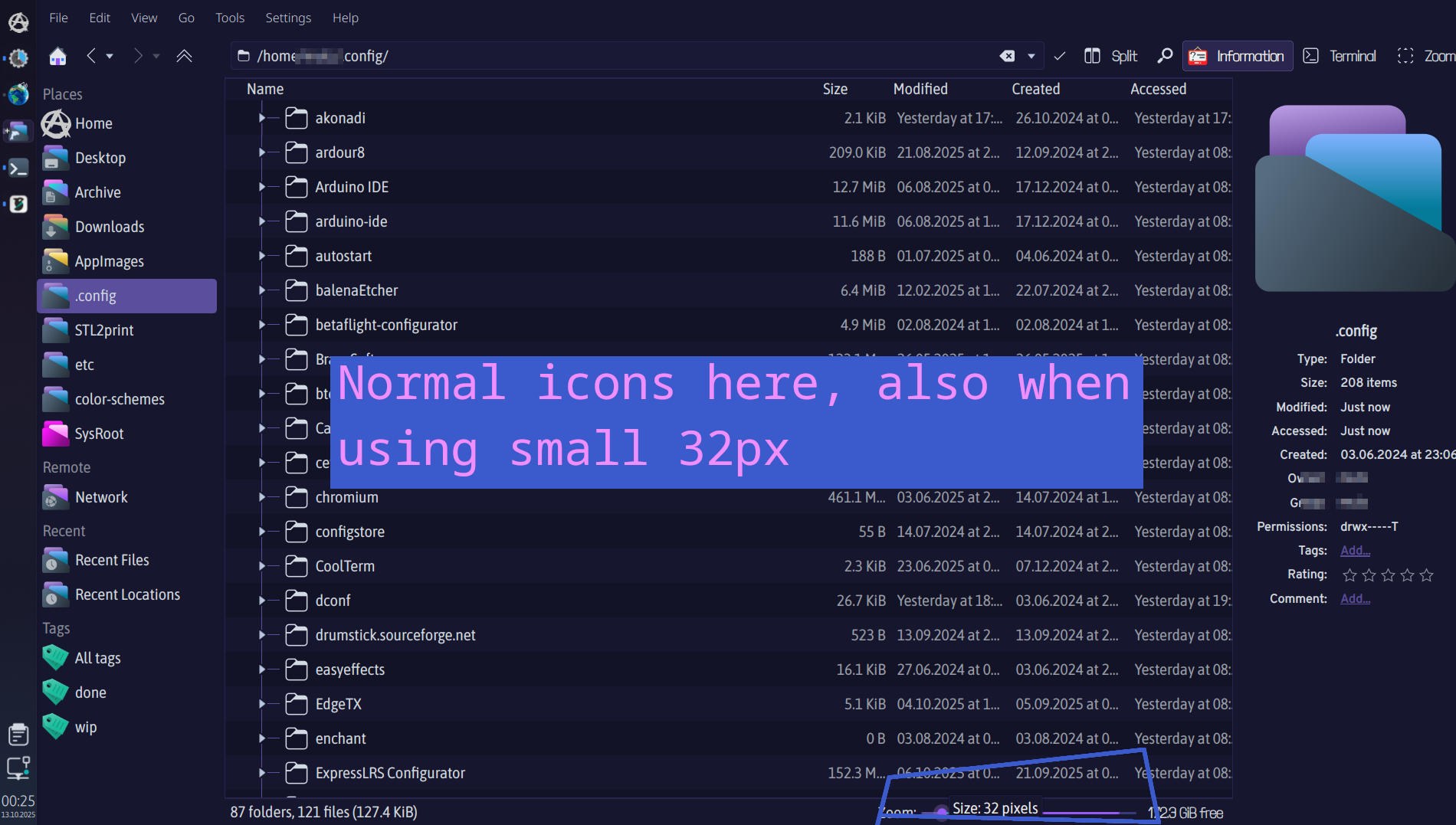

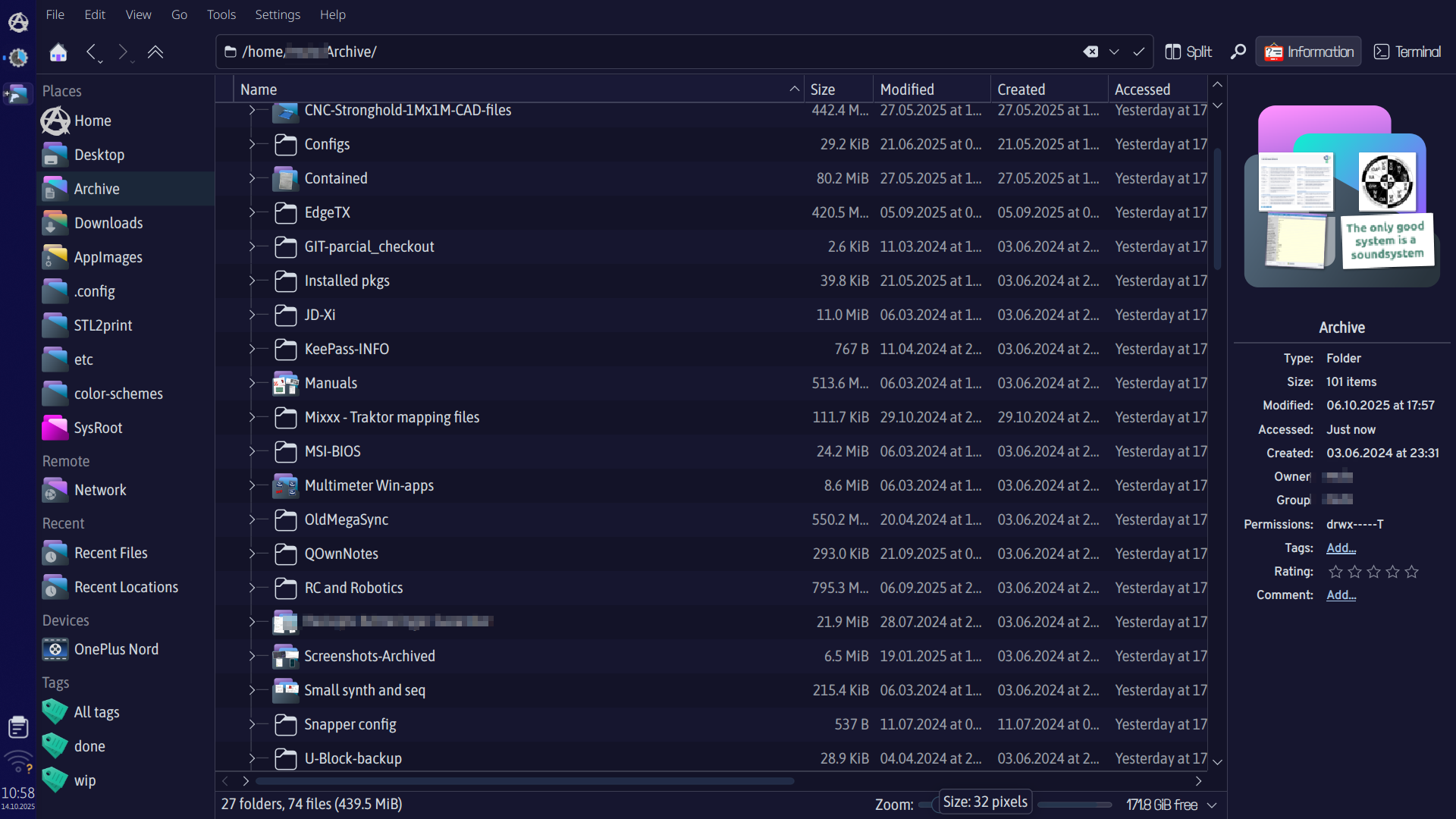
 So strange, mine is showing the preview folders only in Slot-Dark icons, even the sidebar is showing Slot icons at 32px, but not i main view. I have even tried to delete all icons, let system re-install Breeze icons and then I manually installed Slot icons, so those where the only 2 icon packs on my system, did a reboot- but still same results. (Arch,Wayland,Plasma6-all updated) Guess I just have to find me another icon pack as all others are behaving as expected at 32px. And thanks for all your awesome themes!
Try this: Show Hidden Files > .local > share > icons > Slot-Dark-Icons > places > Delete the folder 24 and folder symbolic
That worked, Thank you so much! 
Nice to meet you, all the best.